Dutch Bros App – How to Order Ahead, Earn Rewards & Get Free Drinks in 2026
Written by Emma Collins | Food & Beverage Writer | Updated: Nov 2026
📱 Quick Answer: What Is the Dutch Bros App?
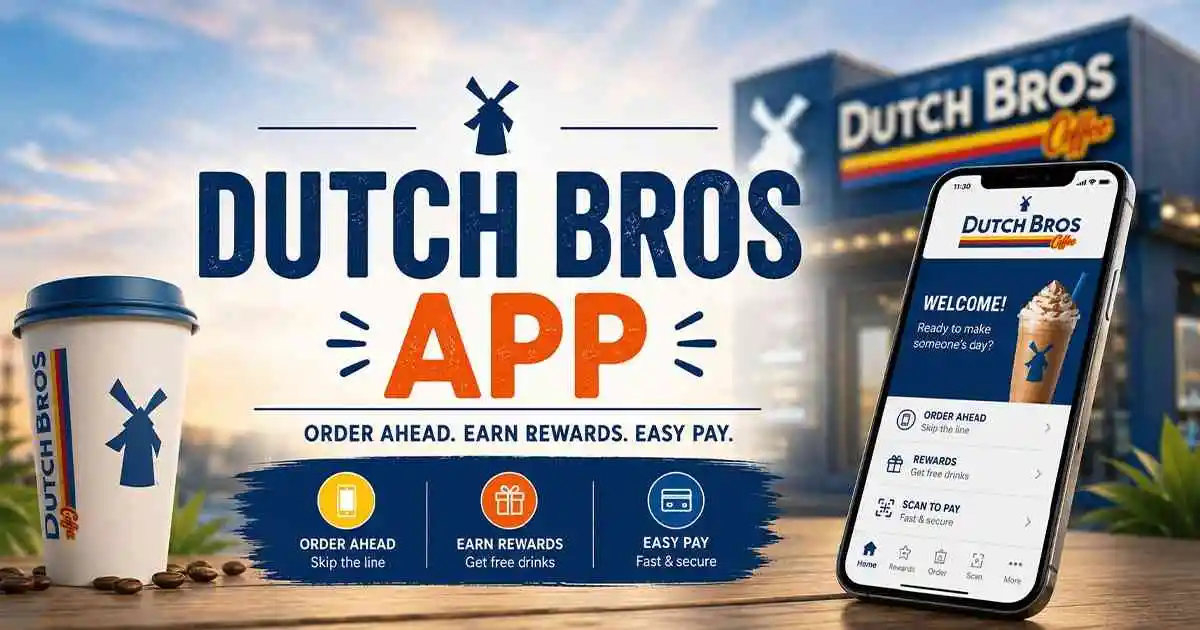
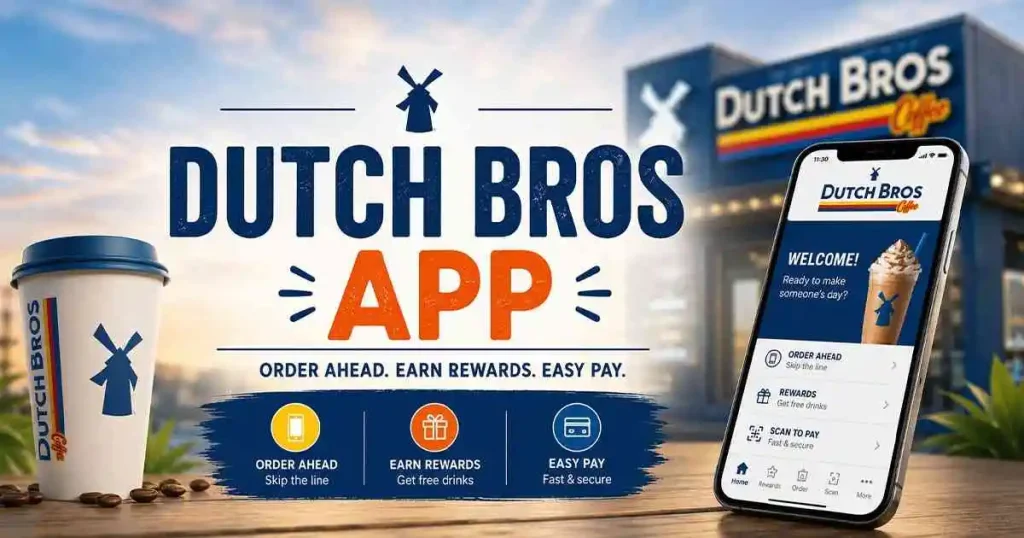
The Dutch Bros app is a free mobile ordering and loyalty platform that transforms how you interact with every Dutch Bros stand. It lets you order ahead to skip the drive-thru line, pay contact-free with your phone, and earn 3 points per dollar on every purchase through Dutch Rewards. You can redeem those points for free drinks, merch, and surprise rewards that drop into your account randomly throughout the year. It also houses your annual free birthday drink and gives you full nutritional visibility as you customize your order.
✨ Key Takeaways:
- Points Don’t Expire With Active Use: As long as you earn or redeem points at least once every 24 months, your balance stays safe. Inactive accounts risk forfeiture.
- 250 Points = Your Best Redemption Value: That free any-size drink at 250 points offers the highest return per point spent.
- Order Ahead Saves You 10–15 Minutes: During peak morning and afternoon rushes, this feature is the difference between stress and smooth sailing.
- The App Remembers Everything: Save complex customizations as favorites so you never have to recite a long recipe at the window again.
- Pair your app order with our Dutch Bros calorie calculator for real-time nutritional awareness.
I’ll be honest: when Dutch Bros first launched their app, I was skeptical. I thought it might strip away the spontaneous, high-energy interactions that make the drive-thru feel like a mini party. But after using it consistently for over two years, testing every update and feature release through 2026, I’ve completely flipped. The app doesn’t replace the Dutch Bros culture. It amplifies it.
What changed my mind was a Tuesday morning. I had exactly 7 minutes between dropping my kid at school and a work call I couldn’t miss. The drive-thru line at my local stand was 14 cars deep, I counted. I opened the app, tapped my saved favorite (a half-sweet, oat milk Golden Eagle), paid in 4 seconds, and pulled up just as the Broista was walking my drink to the pickup window.
I was in and out in under 90 seconds while the cars I’d normally be sitting behind hadn’t moved. That moment sold me forever. This guide isn’t a surface-level app tour. It’s the deep, sometimes critical, always honest manual for squeezing every ounce of value from the Dutch Bros app, whether you’re a casual weekend sipper or someone who sees a Dutch Bros cup as an essential daily accessory.
What the Dutch Bros App Actually Does (Beyond the Basics)
Most people download the app, glance at the menu, and never scratch the surface of what’s possible. Let’s fix that.
The app operates in three layers. The first is the payment and loyalty layer: it holds your Dutch Pass QR code, your stored gift card balances, and your credit card, and it tracks every point you earn and every reward you unlock. The second layer is the ordering layer: you can browse the Dutch Bros Drink Menu with high-resolution images, build drinks with exacting precision, and either place an Order Ahead or save that drink for later.
The third layer is the engagement layer: this is where surprise-and-delight offers appear, where you’ll find app-exclusive double point days, early access to new seasonal drink drops, and the occasional “we miss you here’s a free medium drink” push notification.
One feature I’ve come to rely on heavily is the real-time nutritional feedback. When you swap whole milk for almond milk, or add an extra shot of espresso, the app recalibrates the calorie and sugar estimates. It’s not a full nutrition facts panel, but it’s accurate enough to guide decisions if you’re cross-referencing with our Dutch Bros calorie guide. This is invaluable for anyone managing sugar intake or tracking macros.
Setting Up Your Account the Right Way (Don’t Skip These Steps)
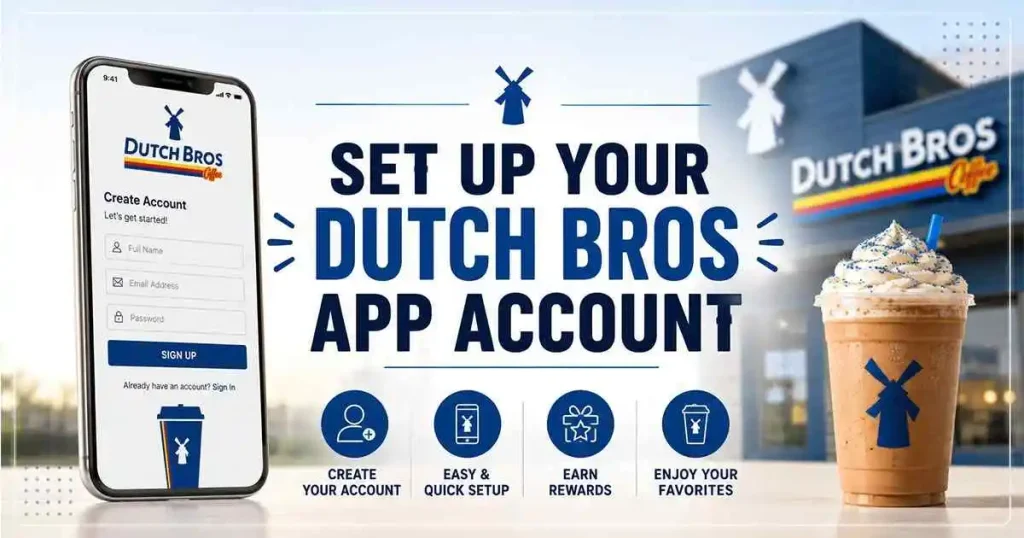
Setting up the app takes about three minutes, but most people rush through it and miss two critical steps that cost them free drinks later.
1. Download and Initial Setup
Head to the iOS App Store or Google Play, search “Dutch Bros,” and look for the official app by Dutch Bros Coffee. It’s a free download. On first launch, it’ll ask for location permissions; say yes. The app needs this to surface the nearest stands and to enable Order Ahead. Without location access, you’re browsing the menu blind.
2. Creating Your Dutch Rewards Profile
Tap “Create Account” and use a real email address you check regularly. This isn’t throwaway-email territory. Dutch Bros sends reward confirmations, birthday notifications, and occasional surprise offers to this inbox. If you use an email you never open, you’ll miss the “double points today only” alerts that drop without warning.
3. The Birthday Field – This Is Worth Real Money
Navigate to your profile settings and enter your birthdate. This isn’t optional if you want the free birthday drink that Dutch Bros is known for. A critical 2026 policy note: You must have your birthday in the system at least 24 hours before your actual birthday. If you download the app on your birthday and enter it then, the system won’t trigger the reward in time. I learned this the hard way two years ago and missed out on a free large Annihilator. Don’t be me.
4. Payment Setup
You have two options: load a prepaid balance using a credit or debit card, or link a card for per-transaction billing. I recommend the prepaid route for three reasons. First, transactions at the window process instantly since there’s no bank authorization delay.
Second, it acts as a natural budget; when the balance runs low, you get a gentle nudge about your spending. Third, it’s easier to track exactly what you’re spending on coffee each month without a dozen small charges cluttering your bank statement.
How to Order Ahead Like a Seasoned Pro
Order Ahead is the app’s killer feature, but there’s a right way and a frustrating way to use it. I’ve made every mistake possible, so you don’t have to.
Step 1: Select Your Stand – Check Twice
The app defaults to the geographically closest stand. If you’re driving and pass one location on the way to another, the GPS can flip. Before you place your order, check the address and stand name at the top of the screen. Sending an order to the wrong location happens constantly. The stand that receives your mistaken order can void it, but you won’t get a refund instantly it takes a few business days. Just double-check.
Step 2: Build Your Drink Without the Drive-Thru Pressure
This is where the app shines brightest. Tap “Order Ahead,” then browse the menu or tap into categories like Rebels, Cold Brews, or Teas. Select a base drink, and you’ll see a visual customization grid. You can adjust sweetness level, ice quantity, milk type, and flavor syrups with taps instead of shouting over a speaker. If you’re ordering something inspired by the Dutch Bros secret menu, this is how you build it: start with the base drink and manually add the syrup combinations that create off-menu favorites.
The app also respects all the customization logic from our Dutch Bros customization guide. You can add a soft top, swap to oat milk, double the espresso shots, or request it extra sweet. Every modification that carries an upcharge will be clearly shown in the running total.
Step 3: Understand Peak Time Dynamics
Between 7:00–9:00 AM and 2:00–4:00 PM, high-volume stands sometimes pause Order Ahead to manage in-store traffic. If you see “Order Ahead Currently Unavailable,” it’s not broken; the stand is slammed and has temporarily turned it off. Wait 10 minutes and check again, or head to a nearby stand that’s less busy.
Step 4: Pickup Etiquette and Timing
After you place your order, the app provides an estimated pickup time. For hot espresso drinks, this is usually accurate. For blended drinks like Dutch Freezes or blended Rebels, Broistas often wait until you’re close to start making them so the drink doesn’t separate. If you place a blended order from 15 minutes away, expect to wait a few minutes at the stand anyway. The sweet spot: place the order when you’re 3–5 minutes from arrival.
When you get to the stand, look for designated Order Ahead pickup parking spots. If those are full, the drive-thru lane works too; just tell the Broista you have an Order Ahead pickup and give them the name on the account.
Dutch Rewards: The Points, The Tiers, and The Smartest Redemption Strategy
Understanding the reward structure transforms how you use the app. Most people redeem points the moment they hit 250. Sometimes that’s smart. Sometimes it’s leaving value on the table.
How Points Accumulate
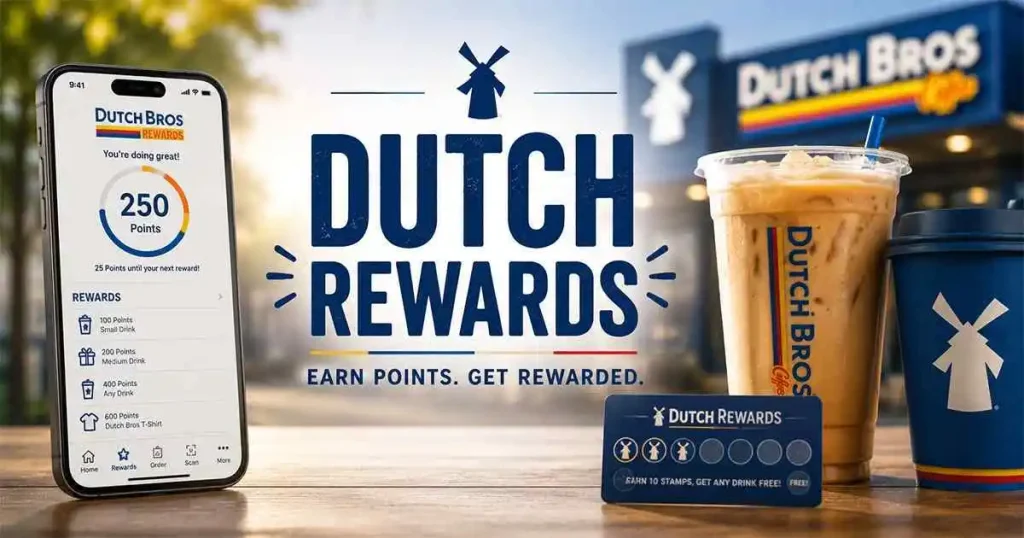
You earn 3 points per dollar spent, excluding tax and tips. If you buy a $5.75 medium latte, you earn 15 base points (the system truncates, not rounds, so $5.99 earns 15 points, not 18). Gift card purchases don’t earn points, but when you spend a gift card balance through the app, those dollars do earn points.
The Complete Redemption Tiers (2026)
| Points Required | What You Get | Strategic Value |
|---|---|---|
| 125 Points | $2 Off Any Purchase | Low value; save your points |
| 250 Points | Any Size Drink (base price covered; upcharges apply for alt milks, extra shots) | Highest ROI – Best General Redemption |
| 325 Points | Any Size Specialty Drink (covers premium builds like a large Caramelizer with soft top) | Excellent if you regularly order heavily modified large drinks |
| 400 Points | Half Dozen Muffin Tops | Good for group runs or office pickups |
| 500 Points | Apparel or Tumbler (rotating selection) | Solid if you want merch; retail value often $15-25 |
The 250-Point Sweet Spot Explained
Here’s why 250 points is almost always your best play. At 3 points per dollar, 250 points represents about $83 in spending. A free any-size drink can be worth up to $7–8 if you order a large specialty drink. That’s roughly a 9% return on your spending. The 325-point tier requires $108 in spending for a specialty drink, but if your go-to order is a large drink that already falls under the 250-point tier, you’re spending extra points unnecessarily.
The exception: if you consistently order large drinks with multiple upcharges (alternative milk, extra shots, soft top), the 325-point tier covers all of that. Do the math on your personal order. If your typical large drink rings up over $8, the 325-point tier edges ahead.
Points Expiration: The Truth No One Explains Clearly
This is where most content gets it wrong, and it’s the kind of error that erodes reader trust permanently. Here is the exact 2026 policy, verified against Dutch Bros’ official terms:
Dutch Rewards points do not have a fixed calendar expiration date. However, if your account has no qualifying activity meaning no points earned and no points redeemed for a continuous 24-month period Dutch Bros reserves the right to consider the account dormant and forfeit the point balance.
“Activity” includes either earning new points or redeeming existing ones. So if you take a year off from Dutch Bros but come back and redeem a reward at month 18, your clock resets. The practical takeaway: make at least one purchase or redemption every 18-20 months to stay safe. A single $3 coffee run resets the entire dormancy clock.
I’ve seen forum threads where people lost significant point balances because they assumed their points would never expire and went two years without using the app. Don’t let that be you.
Surprise Rewards, Double Point Days, and the Engagement Layer
The Dutch Bros app has a personality, and that personality is generous in ways that feel spontaneous rather than calculated. This is the “Dutch Luv” ethos translated into digital form.
Random Free Drink Drops
You’ll occasionally open the app to find a reward sitting there that you didn’t earn through points. These are algorithm-driven or tied to stand-level promotions. Common triggers include: not visiting for a couple of weeks (“we miss you”), your half-birthday, local stand anniversaries, or company-wide appreciation days. There’s no public schedule for these; they just appear. This is why keeping notifications enabled is actually worth the minor annoyance.
App-Exclusive Double Point Days
Periodically, usually aligned with seasonal menu launches or holidays, Dutch Bros activates double point days. These are announced via push notification and sometimes email. On these days, you earn 6 points per dollar instead of 3. If you’re planning a large group order or stocking up on gift cards (for the spending, not the purchase), these days dramatically accelerate your path to a free drink
Seasonal Drink Early Access
When new seasonal drinks launch, like the summer 2026 lineup or the winter holiday menu, app users sometimes get early access 1-2 days before the general public. This is a low-key perk that’s easy to miss if you’re not opening the app regularly. If you’re the type who wants to try the new seasonal drinks before your friends, the app is your early entry pass.
Troubleshooting: Problems You’ll Actually Encounter
Every app has friction points. Here are the ones that show up repeatedly in Dutch Bros communities and how to solve them.
“I Sent My Order to the Wrong Stand”
This is the #1 issue reported on Reddit and Facebook groups. If you catch it immediately, call the stand that received the order. They can void it on their end, but refund processing takes 2-3 business days. You’ll need to place a new order at your correct stand. There’s no “transfer” feature between stands. Prevention: always check the stand address at the top of the Order Ahead screen before tapping “Place Order.”
QR Code Scanner Issues at the Window
Bright sunlight washing out your screen is the most common culprit. Crank your brightness to maximum manually; don’t rely on auto-brightness. If the scanner still won’t read, give the Broista your phone number. They can pull up your account and apply points manually. This works at every corporate stand.
App Crashes During Peak Hours
High server load occasionally causes the app to lag or crash, especially during the first day of a major seasonal launch. Force-close the app completely (swipe it away from your recent apps), wait 30 seconds, and reopen. If it persists, check the App Store for an update. Dutch Bros pushes stability patches regularly.
Payment Method Declined Despite Having Funds
This usually happens with prepaid balances that have been dormant for a while. The fix: open the Pay tab, remove your payment method, re-add it, and try again. If it still fails, switch to a direct card payment instead of the prepaid balance for that transaction.
Dutch Bros App vs. Ordering at the Window: A Thoughtful Comparison
I want to address this honestly because some people worry the app kills the Dutch Bros experience. I’ve done both hundreds of times across dozens of stands in multiple states. They serve different needs, and neither is universally superior.
Use the App When:
Order at the Window When:
For a complete walkthrough of the verbal ordering process, read our how to order at Dutch Bros guide. It covers the straw color system, how to ask for modifications, and the unwritten rules of the drive-thru.